AI kitchen design free options compared: how many free designs HomeGPT, ReimagineHome, Paintit.ai and Planner 5D give, and when a free 3D planner wins.
Published: November 27, 2026 | Updated: November 27, 2026
AI kitchen design free options compared: how many free designs HomeGPT, ReimagineHome, Paintit.ai and Planner 5D give, and when a free 3D planner wins.
Quick answer: You can redesign your kitchen with AI for free, but only a handful of times. HomeGPT gives 2 free designs a day with no account or watermark, ReimagineHome gives new users 5 free designs, and Paintit.ai gives 10 free credits at 1K resolution. These tools restyle a photo of your kitchen. They do not measure it. For a layout with real cabinet sizes, use a free 3D planner such as the IKEA Kitchen Planner or Planner 5D’s free plan. All limits below come from each tool’s official page on November 27, 2026.
First, decide which job you need done
“AI kitchen design” covers two very different jobs, and mixing them up is why many people are disappointed by free tools.
Restyling (AI photo tools): upload a photo of your current kitchen and see it with new cabinet colors, countertops, backsplash, flooring and lighting. Great for choosing a look in minutes. The output is a picture, not a plan, and the AI may quietly move a window or shrink an appliance.
Planning (3D planners): enter your room’s dimensions and place real cabinets, appliances and an island. Slower, but this is what tells you whether the dishwasher door hits the island.
Our recommendation: use AI restyling to settle the style for free, then rebuild the winning look in a free 3D planner before you ask anyone for a quote.
Free AI kitchen design tools compared
Tool
Type
Free allowance
Cheapest paid step
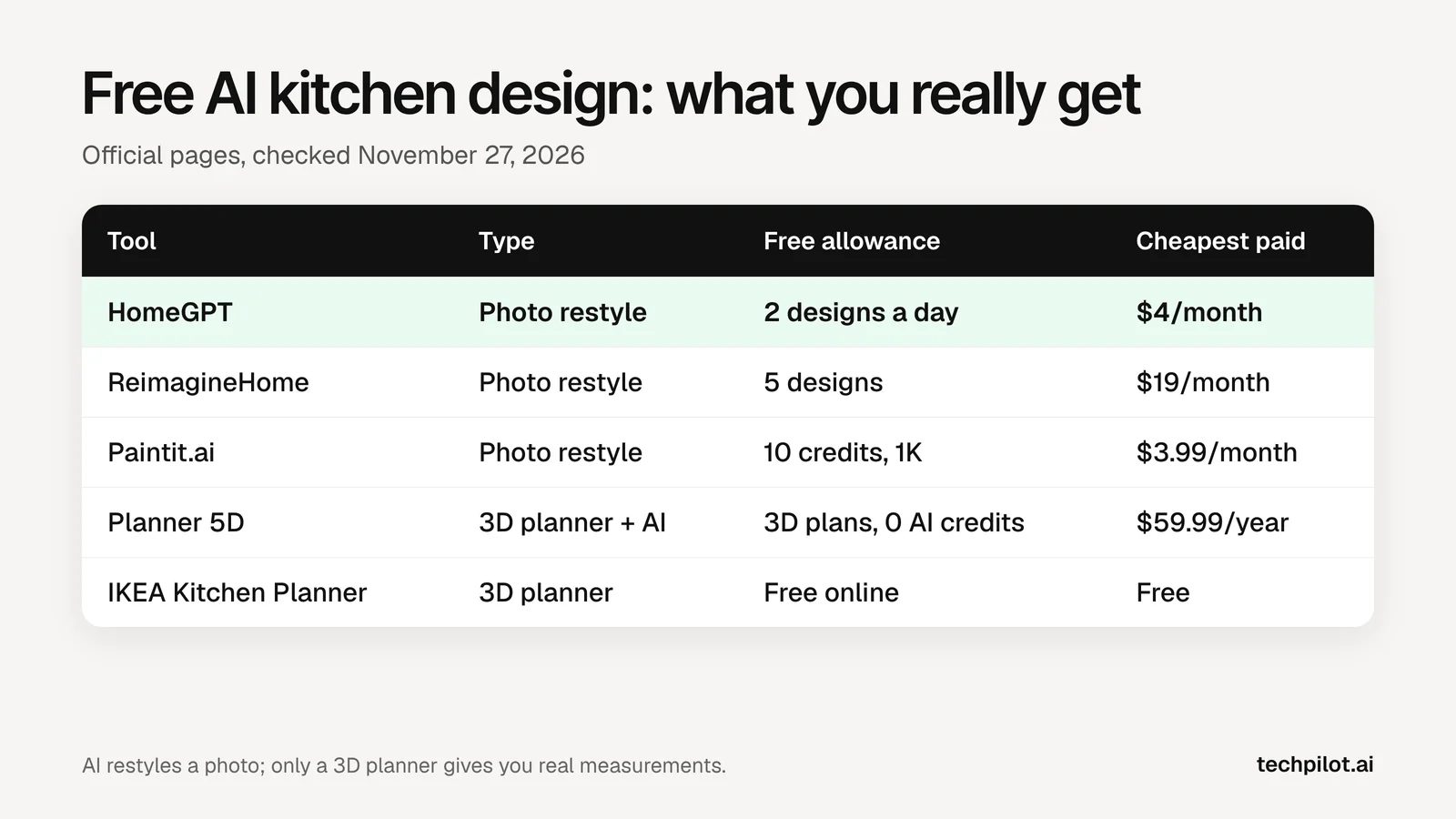
HomeGPT
AI photo restyle
2 designs a day, no account, card or watermark
Starter $4/month or $29/year (5 designs a day)
ReimagineHome
AI photo restyle
5 free designs for new users, no sign-up or card
$19/month for 30 credits
Paintit.ai
AI photo restyle
10 credits, 1K resolution, basic model
Starter $3.99/month (50% off $7.99), 150 credits
Planner 5D
3D planner plus AI
Free 3D room planning, 0 AI credits
Premium $59.99/year, 100 AI credits a month
IKEA Kitchen Planner
3D planner
Free online, no download
Free; you pay only for the kitchen
HomeGPT: the best daily free allowance
HomeGPT’s 2 free designs refill every day, which matters more than a bigger one-off trial when you are comparing several styles over a week. It has a dedicated kitchen and bath job, and each design shows two options. Each design includes one free color swap or redraw, so you can change just the cabinet color without starting again. Paid plans start at $4 a month for 5 designs a day, or a $19 one-time Build Pass for 40 designs on a single project, per HomeGPT’s pricing page.
ReimagineHome: 5 full-quality designs to start
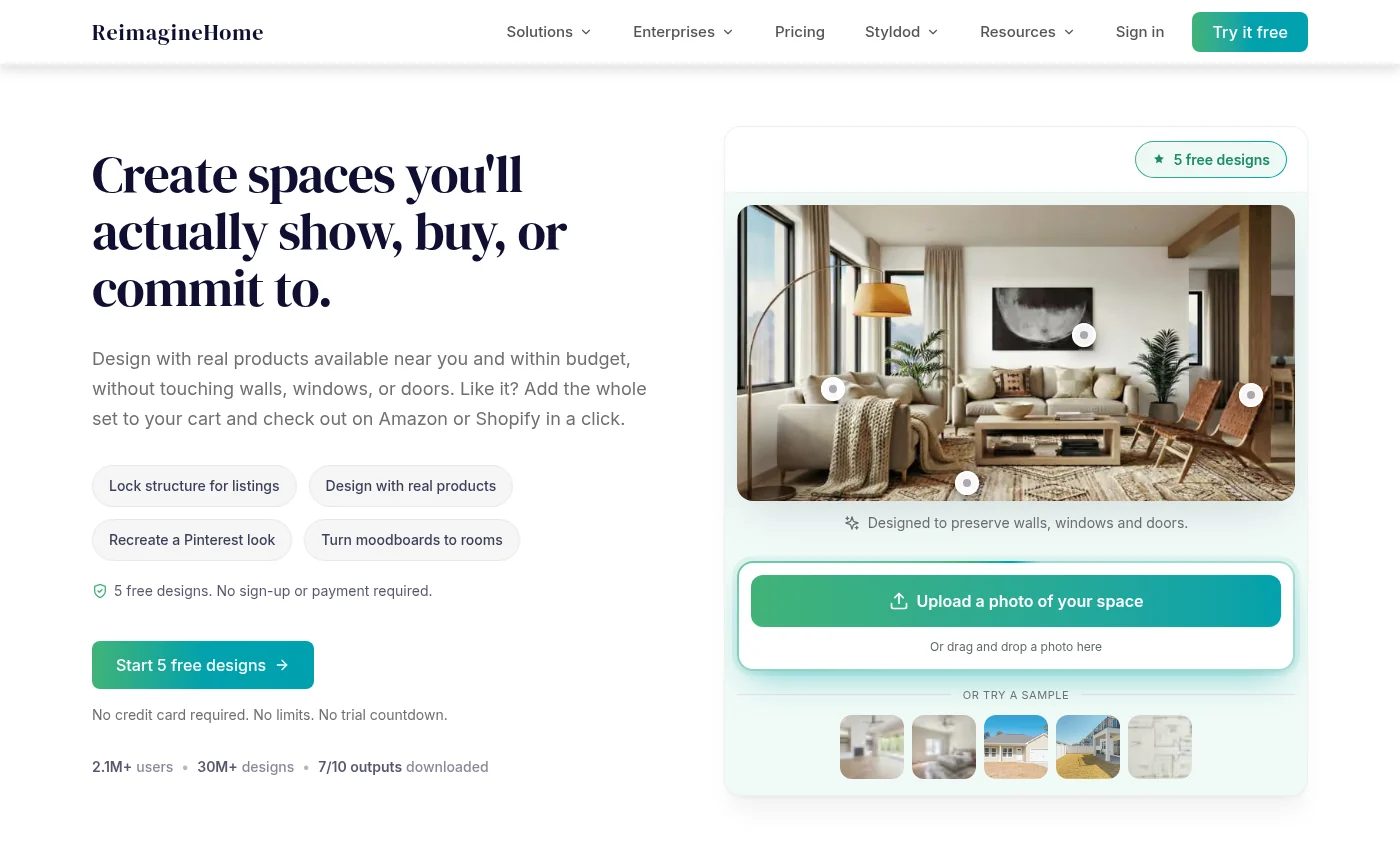
ReimagineHome says its 5 free designs use the same AI and quality as its paid plans, and you do not need to sign up or add a card. That makes it a good second opinion after HomeGPT. After that, plans start at $19 a month for 30 credits, and paid plans list watermark-free, shareable images. It is priced for heavier users such as agents and designers, so most homeowners will stop at the free designs.
Paintit.ai: cheap if you need a few more
Paintit.ai’s free plan gives 10 credits at 1K resolution with its basic model. Its paid plans were half price on November 27, 2026: Starter $3.99 a month for 150 credits at 2K, and Pro $9.99 a month for 500 credits. Watermark-free images and a commercial license are listed on Pro, so stick to personal use on the cheaper tiers.
Planner 5D and IKEA: free layouts with real sizes
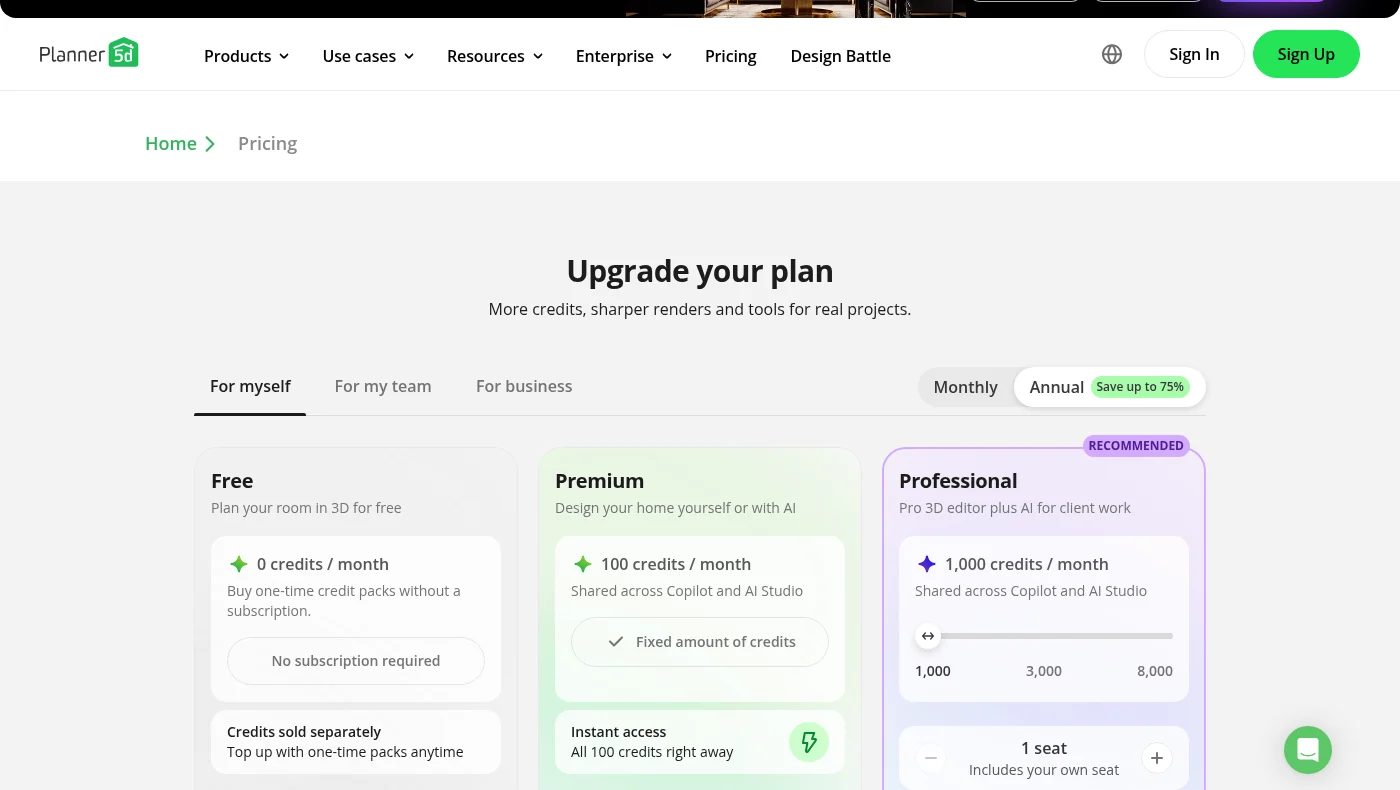
Planner 5D’s free plan lets you plan rooms in 3D at no cost but includes no AI credits; its AI Copilot and AI Studio need Premium ($59.99 billed yearly, 100 credits a month) or a one-time credit pack. The IKEA Kitchen Planner is free, runs in the browser and lets you plan with IKEA’s own cabinets, which makes it the most practical free option if you might buy an IKEA kitchen anyway.
How to get better free AI kitchen designs
Because free tools give you so few generations, each one has to count. These habits make the difference:
Shoot from the doorway, in daylight. A wide, level photo with the whole run of cabinets in frame gives the AI the full layout to work from.
Clear the counters. Clutter gets turned into strange objects and hides the surfaces you want to change.
Name materials, not moods. “Sage green shaker cabinets, white quartz counters, brushed brass handles, oak floor” beats “cozy modern kitchen”.
Change one thing at a time. Use the free swap or redraw for cabinet color first, then counters, so you can see what is actually doing the work.
Check the geometry. Compare windows, doors, sink and range against your photo before you fall for a design the room cannot hold.
Which free option should you use?
If you just want to see your kitchen in a new color scheme, start with HomeGPT’s daily free designs and take ReimagineHome’s 5 as a second opinion. If you are planning an actual remodel, add a free 3D planner before you spend anything. For the outside of the house, the same tools are compared in our guide to free AI home exterior design. If you want a full room-planning app, see our Homestyler review, and architects and designers who need sketch-to-render workflows should look at our mnml.ai review.
Frequently asked questions
Can I design my kitchen with AI for free?
Yes, for a few designs. HomeGPT gives 2 free designs a day, ReimagineHome gives 5 free designs and Paintit.ai gives 10 free credits. Paid plans add more.
What is the best free AI kitchen design tool?
For repeat use, HomeGPT, because its 2 free designs refill daily with no account or watermark. ReimagineHome’s 5 free designs are a good second opinion.
Can AI create a kitchen layout with measurements?
Photo-based AI tools cannot. They restyle a picture. For a layout with real dimensions, use a free 3D planner such as the IKEA Kitchen Planner or Planner 5D.
Is the IKEA kitchen planner free?
Yes. The IKEA Kitchen Planner is free to use online in your browser with no download, and IKEA also offers kitchen planning services.
How do I get better AI kitchen designs?
Use a wide daylight photo from the doorway, clear the counters, name exact materials and colors, change one element at a time and check the layout against your photo.
Eimantas Kazėnas is a forward-thinking entrepreneur & marketer with over 10 years of experience. As the founder of multiple online businesses and a successful marketing agency, he specializes in leveraging cutting-edge web technologies, marketing strategies, and AI tools. Passionate about empowering entrepreneurs, Eimantas helps others harness the transformative power of modern AI to boost productivity, streamline processes, and achieve their goals. Through TechPilot.ai, he shares actionable insights and practical guidance for navigating the ever-evolving digital landscape and unlocking new opportunities for success.
Share This Article
JOIN OUR COMMUNITY
Receive the latest AI insights directly to your inbox.