


Aisma Review: AI Video Editor Pricing

Aisma is an AI video editor for clips you already shot. Describe a change in plain words to swap an outfit, a face or the background.
Quick answer: Aisma changes what is inside a video you have already filmed. You upload a clip of 2 to 60 seconds, type what should change, and get back the same shot with the edit applied. The framing, camera movement and original audio stay as they were. It is for small edits to real footage, not for making videos from scratch. You can edit a video with an AI prompt in the browser or in the iPhone and Android apps.
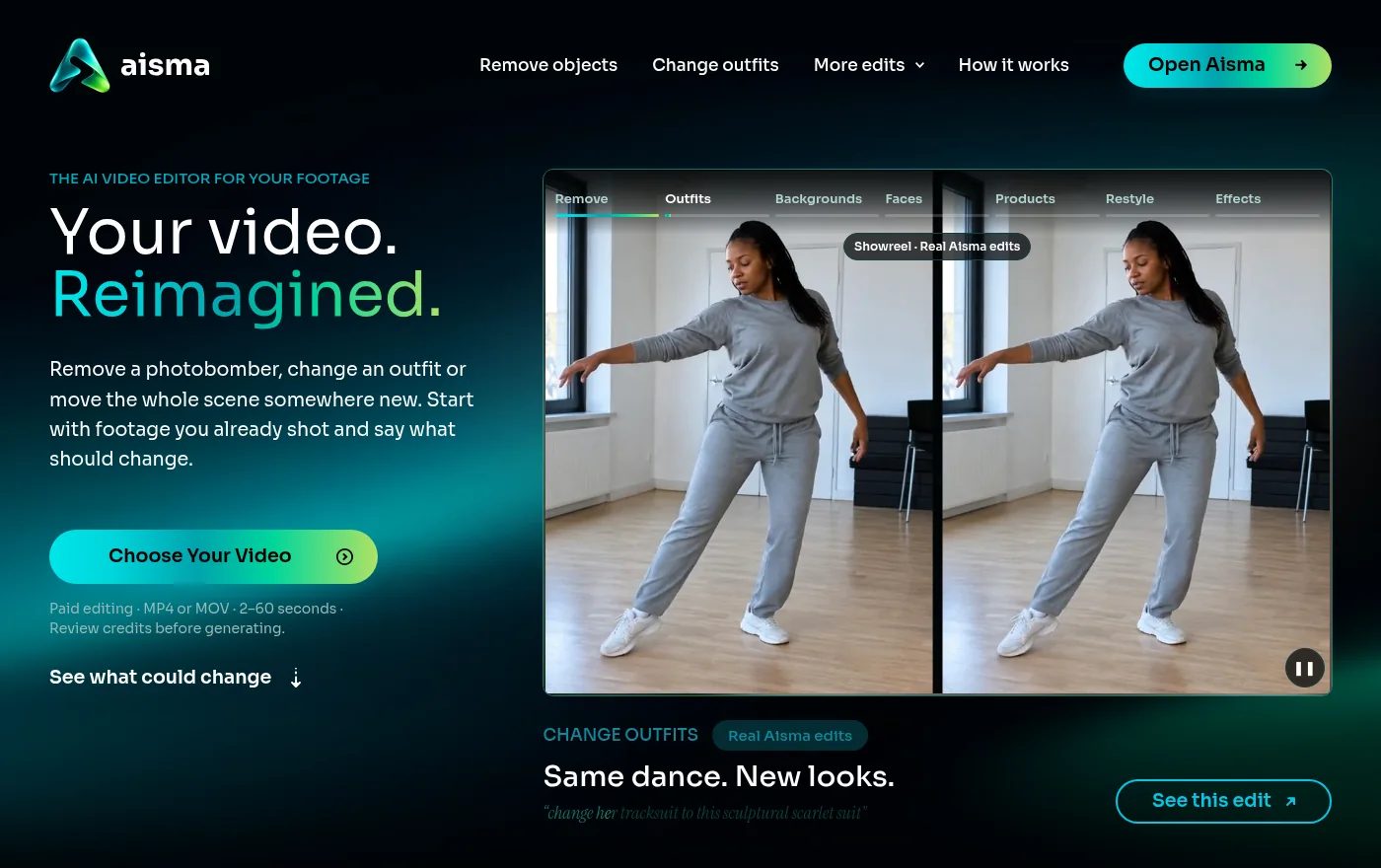
What Aisma does
There are no modes or timelines. Every edit starts in one request box, and you write the change the way you would explain it to a person. If a specific look matters, such as an exact jacket, a product or a face, you can add up to 10 reference photos and refer to them as Photo 1, Photo 2 and so on.
- Remove objects or people: take out a photobomber, a trash bin or a cable, and Aisma fills the space from the scene around it.
- Change clothes: swap a whole outfit or one garment, from words alone or from a garment photo.
- Change the background: keep the person and move the place, with no green screen.
- Swap a face or a whole person: two clear portraits put someone else in the clip with the same gestures. Aisma asks you to use photos of people who have agreed to it.
- Swap a product: one photo of an item replaces the bottle, shoe or candle in the shot.
- Restyle or add an effect: turn a scene into wool, clay or watercolor, or describe a physical effect such as petals flying off a bouquet.
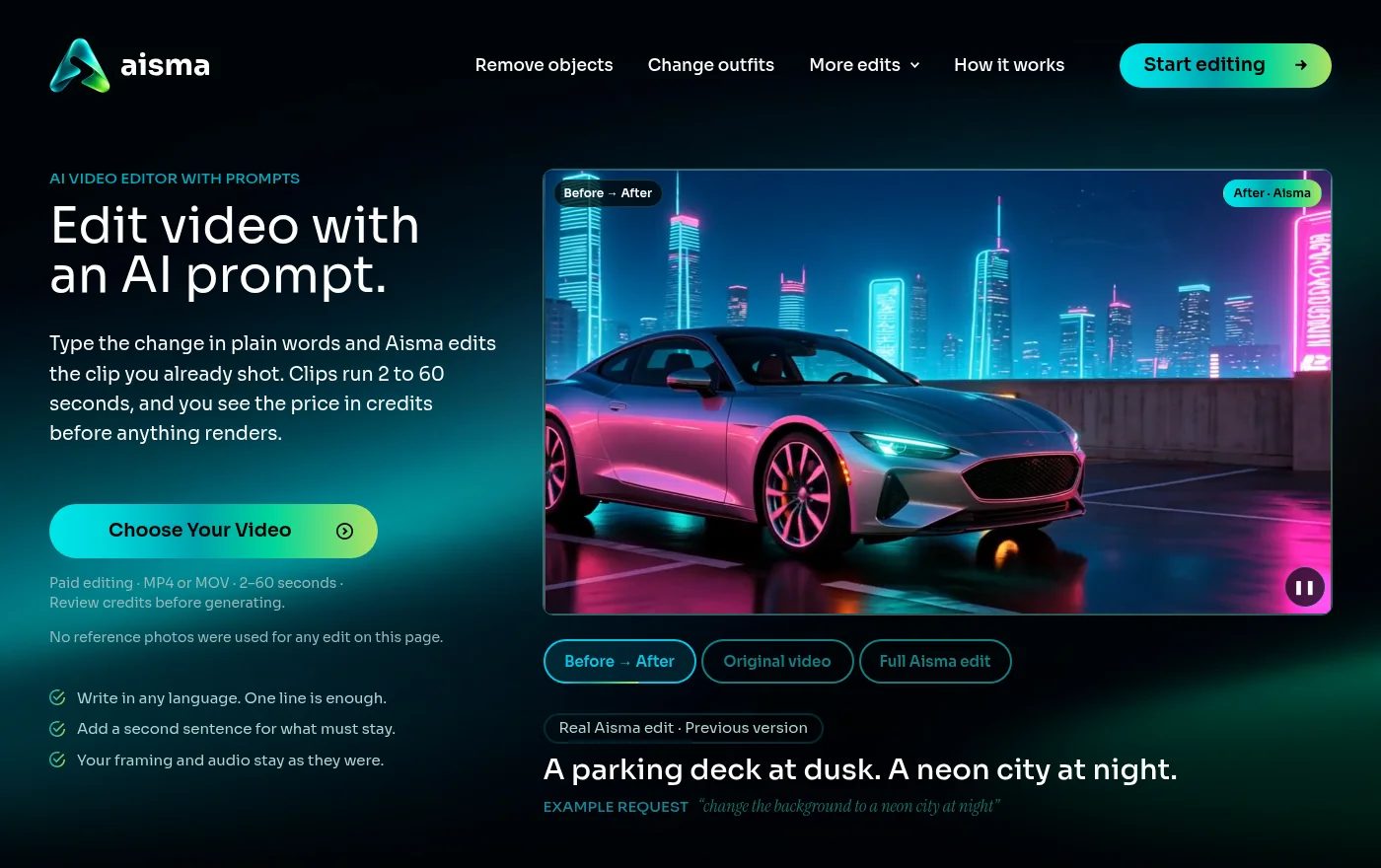
How an edit works
- Upload an MP4 or MOV clip of 2 to 60 seconds and up to 500 MB, vertical, square or horizontal.
- Describe the change in one clear sentence, and add a second sentence for anything that must stay the same.
- Pick 720p or 1080p. The exact credit price appears on the Generate button before anything renders.
- The edit takes minutes and lands in your private Library as an MP4. If one part is wrong, you can redo just that part and pay only for its length.
Longer videos have to go in as separate parts of up to 60 seconds. Aisma does not generate video from text or a single image; that is on its roadmap. If you want a full editor with a timeline and captions instead, see our list of the best free AI video editors.
Aisma Pricing (2026)
See aisma.ai/pricing for current plans.
Who Aisma is for
- Online shops: show the same clip with a different product, color or outfit without reshooting.
- Creators: move a talking clip to a new location, or clean up a stranger or a mess in the background.
- Realtors and small businesses: remove bins, cars or clutter from a listing or promo video.
- Developers: a public API and an MCP server run the same edits at the same prices, and there is an Aisma plugin in ChatGPT.
For photos rather than video, our Remaker review covers a face swap and image editing tool.
Our Expert Rating

Pricing
Model: Pay per Credits
Plain-language edits, no timeline.
Keeps framing and original audio.
Price shown before you generate.
Failed parts are refunded.
Web, iPhone and Android apps.
Clips are capped at 60 seconds, so longer videos have to be split into parts.
-
Input: MP4 or MOV, 2 to 60 seconds.
-
Photos: Up to 10 per edit.
-
Output: MP4 at 720p or 1080p.
-
Edits: Remove, outfits, backgrounds, faces, products.
-
Apps: Web, iPhone, Android.
-
Pricing: aisma.ai/pricing
Aisma homepage
Aisma edit with a prompt
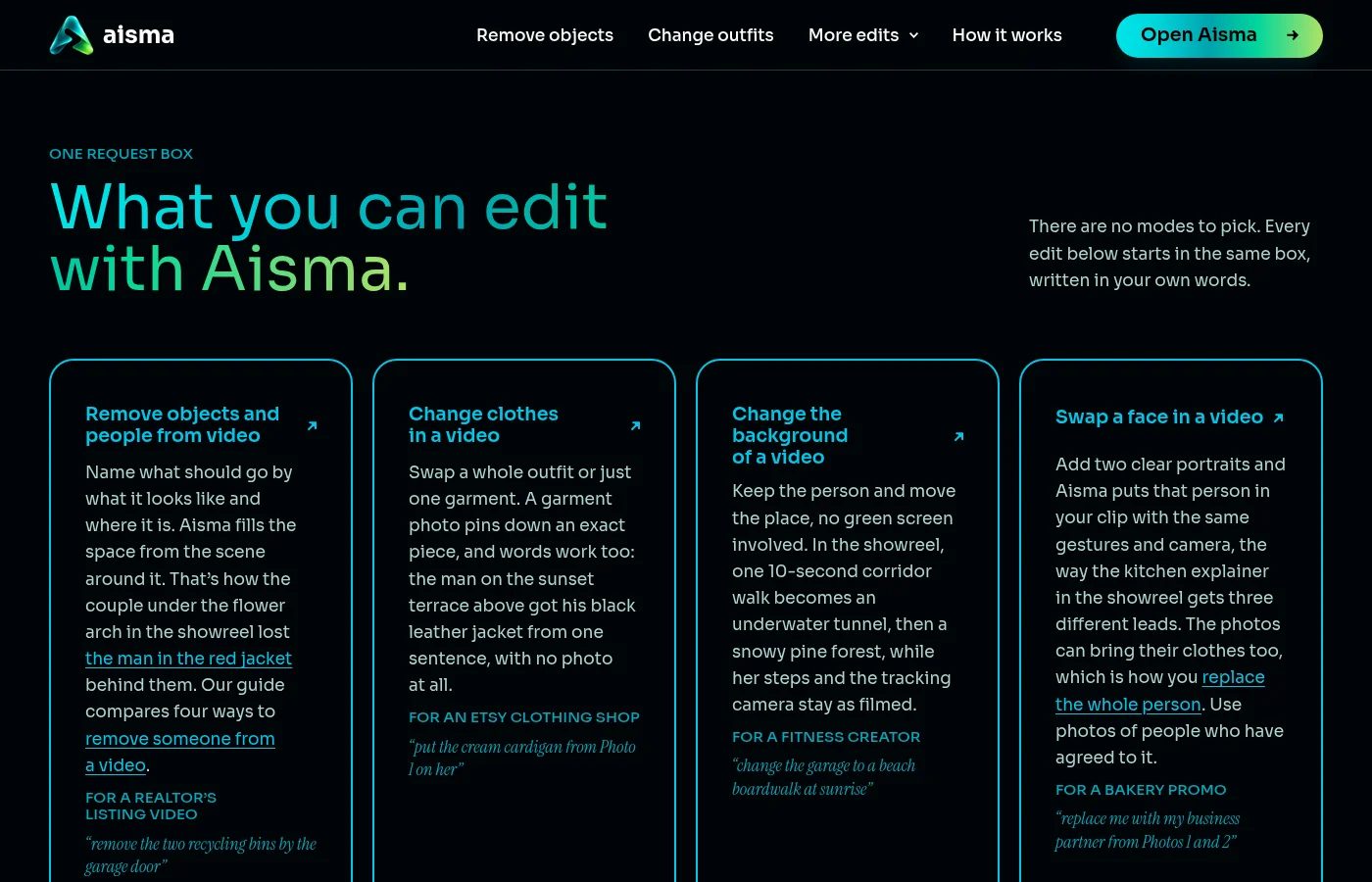 What you can edit with Aisma
Frequently Asked Questions
-
Is Aisma free?
No. Every rendered edit is paid with credits, and the price shows before you generate. The apps are free to download, and a new web account can prepare its first three edits before buying credits. -
How much does Aisma cost?
Edits are paid with credits, and the exact price shows before you generate. Pricing: aisma.ai/pricing -
What videos can I upload to Aisma?
MP4 or MOV clips of 2 to 60 seconds and up to 500 MB, in vertical, square or horizontal format. You can add up to 10 JPEG, PNG or WebP reference photos per edit. -
Does Aisma keep my original audio?
Yes. Aisma changes what you see, not what you hear. The result keeps the clip’s length, framing and original sound, and comes back as an MP4 in 720p or 1080p. -
Is there an Aisma app?
Yes. Aisma: AI Video Editor is on the App Store (iOS 16.4 or later) and Google Play, and it also runs in the browser at aisma.ai with the same account and credits.
TechPilot’s Verdict on Aisma
Aisma is a focused tool for one job: changing something inside a short clip you have already filmed, while the shot, motion and sound stay as recorded.
Try a small credit pack on one of your own clips first, and only move to a weekly plan if you edit most weeks.