


Audioalter Review: Free Online Audio Tools

Audioalter is a free online audio toolkit with an equalizer, tempo and pitch changer, reverb, vocal remover and converter. Uploads are capped at 50MB.
Quick answer: Audioalter is a set of single-purpose audio tools that run on audioalter.com: upload a file, apply one effect, download the result. We found no paid plan or pricing page on November 8, 2026, and the site shows ads. Uploads accept MP3, WAV, FLAC and OGG up to 50MB.
What Audioalter does
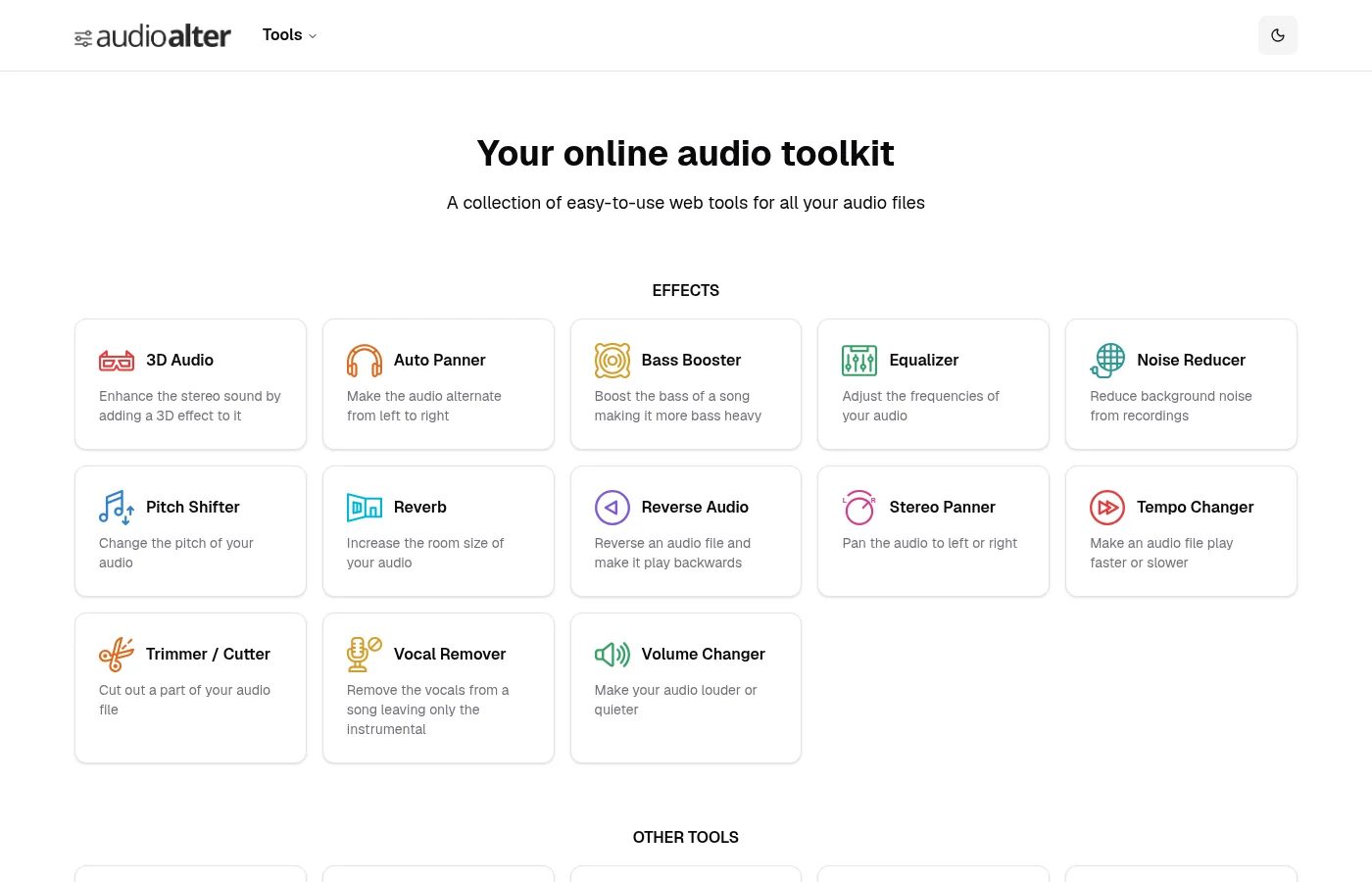
The homepage lists 18 tools in two groups, plus one-click presets.
- Effects: 3D Audio, Auto Panner, Bass Booster, Equalizer, Noise Reducer, Pitch Shifter, Reverb, Reverse Audio, Stereo Panner, Tempo Changer, Trimmer / Cutter, Vocal Remover and Volume Changer.
- Other tools: BPM Detector, Converter, Downmixer, Spectrogram Image and Waveform Image.
- Presets: 8D Audio, Slowed and Reverb, 440 Hz to 432 Hz, five bass boost levels and room reverbs from bathroom to cathedral.
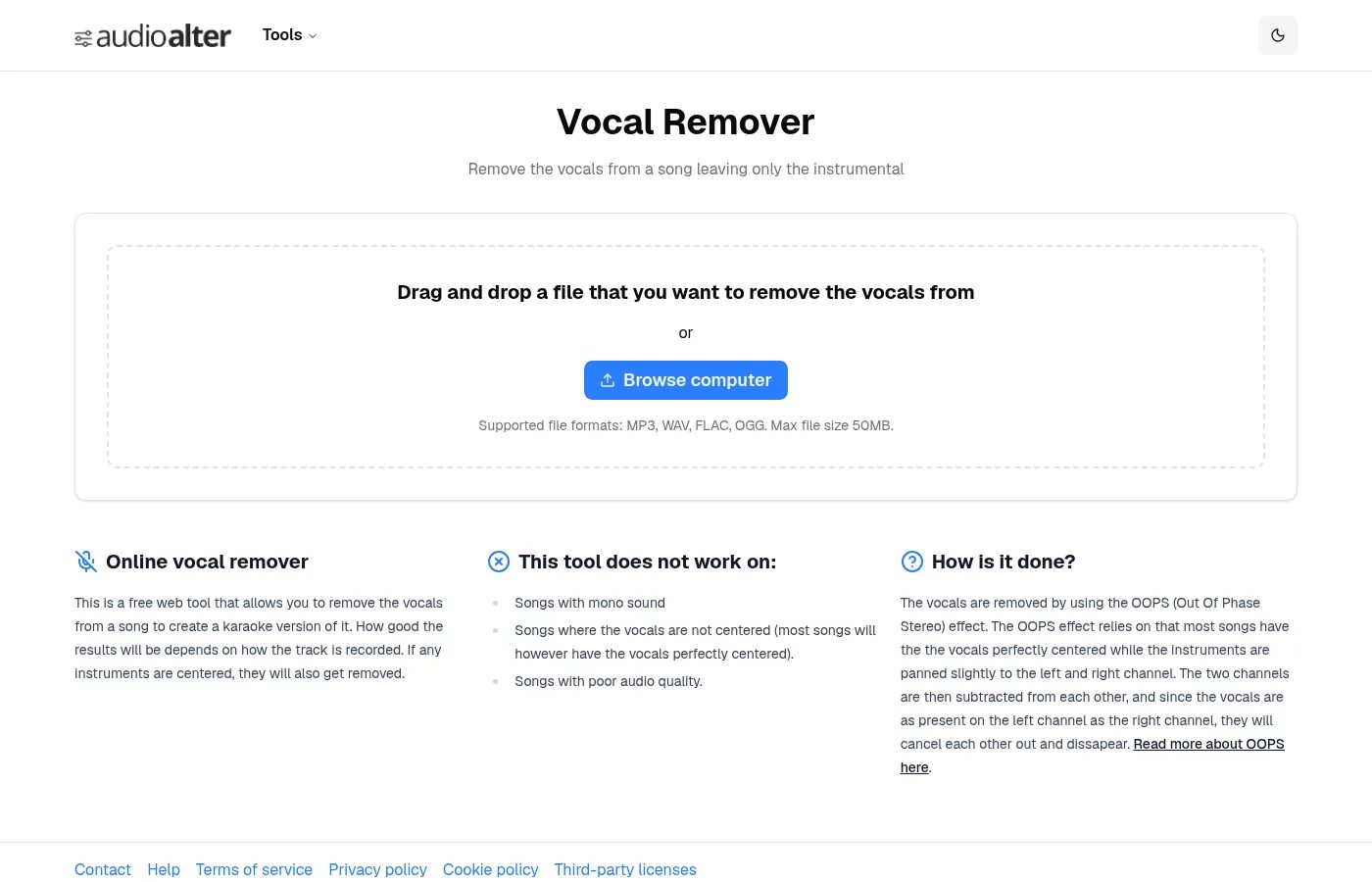
The Vocal Remover uses the classic out-of-phase stereo (OOPS) trick: it cancels whatever sits in the centre of the mix. That makes it fast, but it fails on mono songs and off-centre vocals, and it also removes centred instruments such as bass or kick.
Audioalter Pricing (2026)
| Plan | Price | What you get |
|---|---|---|
| Free web tools | $0 | All 18 tools and presets in the browser, MP3/WAV/FLAC/OGG uploads up to 50MB per file |
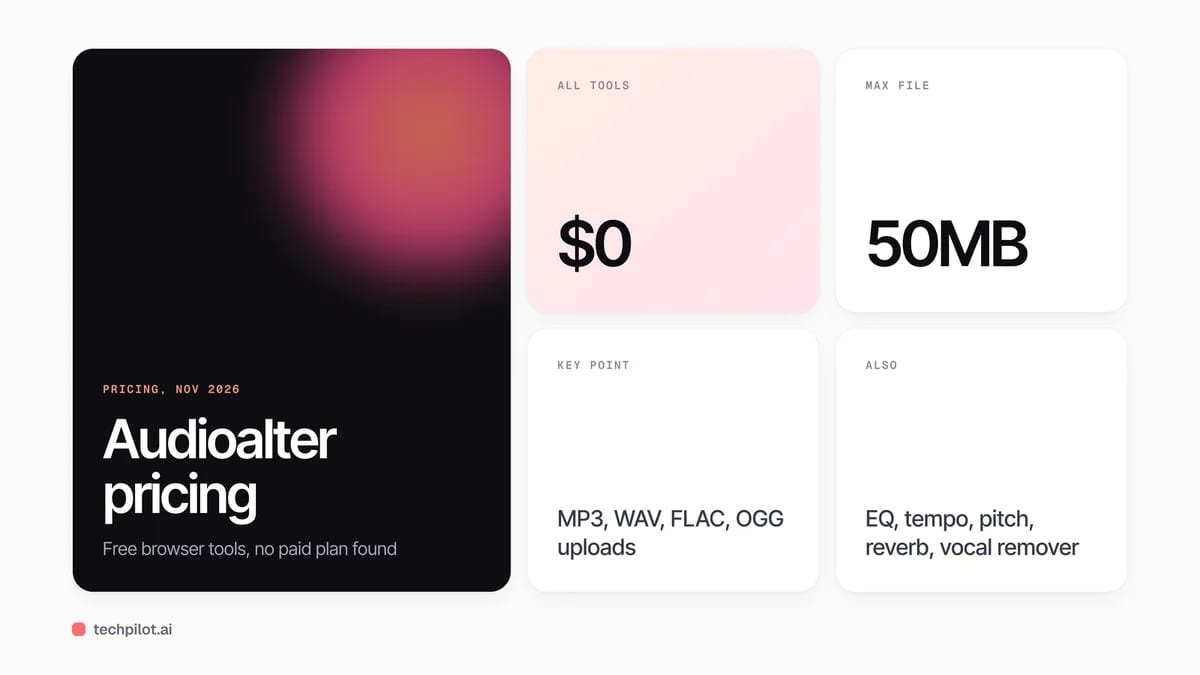
Is Audioalter free? Yes. Every tool we checked is free to use in the browser. The trade-off is ads on the site and a 50MB file limit.
Audioalter edits audio you already have. To create voiceovers from text, try TTSMaker or Speechma. To clean up a noisy voice recording, Adobe Podcast Enhance is the stronger choice.
Who Audioalter is for
Creators, students and musicians who need one quick edit without installing a DAW: speeding up a track, making a slowed and reverb version, detecting BPM, converting formats or making a rough karaoke cut.
Limitations
- 50MB cap: long lossless files may need converting first.
- One effect at a time: no multitrack timeline or project saving.
- Basic vocal removal: phase cancellation, not AI stem separation.
- Ads on the site: the price of a free tool.
Our Expert Rating
Pricing
Model: Free
Free in the browser, no install.
18 focused tools plus presets.
Handy 8D and slowed + reverb presets.
Supports MP3, WAV, FLAC and OGG.
BPM detector and converter included.
50MB per file limit.
One effect per pass, no timeline.
Vocal remover is phase-based, not AI.
Ad-supported pages.
-
Effects: EQ, reverb, pitch, tempo, bass boost.
-
Vocal Remover: Quick karaoke cuts.
-
Presets: 8D, slowed + reverb, 432 Hz.
-
Analysis: BPM, spectrogram, waveform.
-
Converter: Switch audio formats.
-
Pricing: Free, 50MB uploads.
Audioalter online audio toolkit homepage
Audioalter vocal remover tool
Audioalter pricing summary card
Frequently Asked Questions
-
Is Audioalter free?
Yes. Audioalter’s web tools are free to use, and we found no paid plan or pricing page on November 8, 2026. The site shows ads. -
How much does Audioalter cost?
Nothing. All the tools on audioalter.com, from the equalizer to the vocal remover and converter, are free in the browser. -
What files does Audioalter support?
Tool pages list MP3, WAV, FLAC and OGG uploads, with a maximum file size of 50MB. -
How does the Audioalter vocal remover work?
It uses out-of-phase stereo cancellation to remove centred vocals. It does not work on mono songs, off-centre vocals or poor-quality audio, and it can remove centred instruments too. -
Can Audioalter make 8D or slowed and reverb audio?
Yes. Audioalter has one-click presets for 8D Audio, Slowed and Reverb, 440 Hz to 432 Hz conversion and several bass boost and reverb levels.
TechPilot’s Verdict on Audioalter
Audioalter is a handy free toolbox for one-off audio edits, and the presets cover popular requests like 8D and slowed + reverb.
For serious stem separation or podcast cleanup, use a dedicated AI tool. For quick tempo, pitch, EQ or format changes, it is hard to beat at $0.